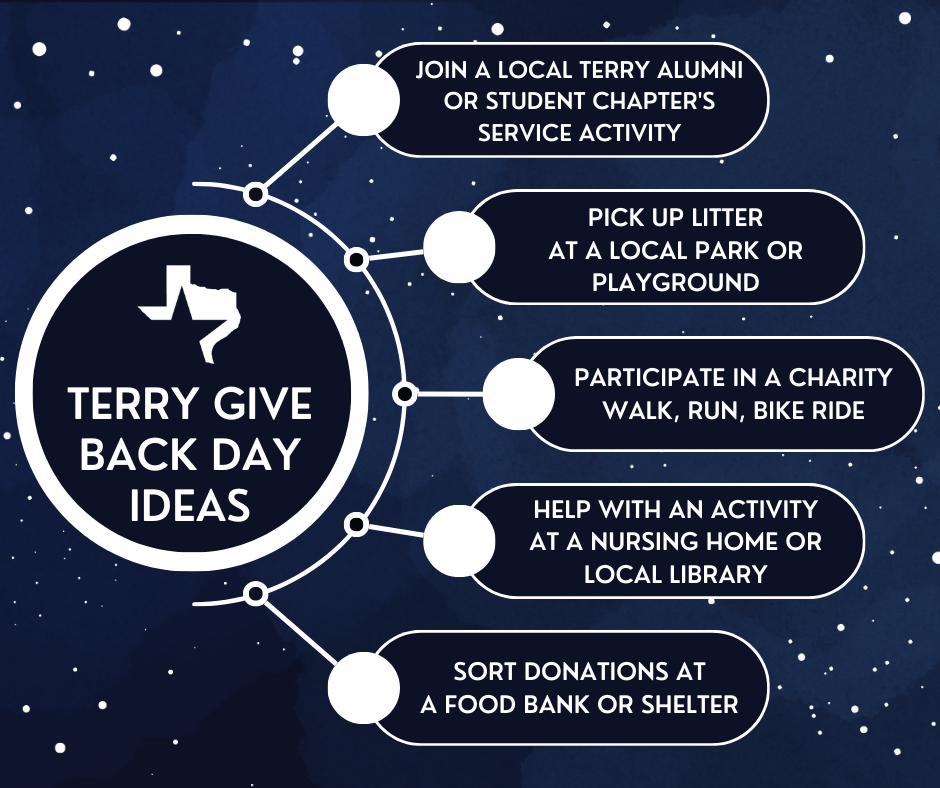
March 22 is Terry Give Back Day!
Terry Give Back Day is a celebration of the many ways Terry Scholars give back to the world around them. Through acts of service and philanthropy, Terry Scholars honor the mission and vision of the Terry Foundation as a global community. Our celebration of the Terry Legacy lasts from March 22nd to March 31st.
When you participate in our celebration, you are helping spread the word about the Terry Scholarship!
Celebrate with us and use Give Back Day Graphics.
Give Back through Service
Serve others, then share your Terry Service Story with the Terry Foundation and social media to encourage others to Give Back.
Give Back through Scholarships
Give Back by donating to the Terry Scholars Fund and provide access to a college education for future Scholars.
Give Back Day Graphics
Use these graphics to tell how you Give Back and are #TerryProud while also helping others learn about the impact of the Terry Scholarship!
Download your favorites individually or save them all.
Save All GraphicsTerry Give Back Day Graphics
These graphics share the Give Back Day celebration and share participation ideas with your social media network. You can use the graphics as they are or combine them with some of your favorite photos to tell how you Give Back.
Square and rectangular formats are available.
Example

Choose Graphics
Use the “Save” buttons to download graphics onto your device. On mobile, press directly on the graphic for the option to save to your device’s photo gallery.
Square Terry Give Back Day (1080px by 1080 px)
SAVE
Square Terry Give Back Day Photos (1080px by 1080 px)

SAVE
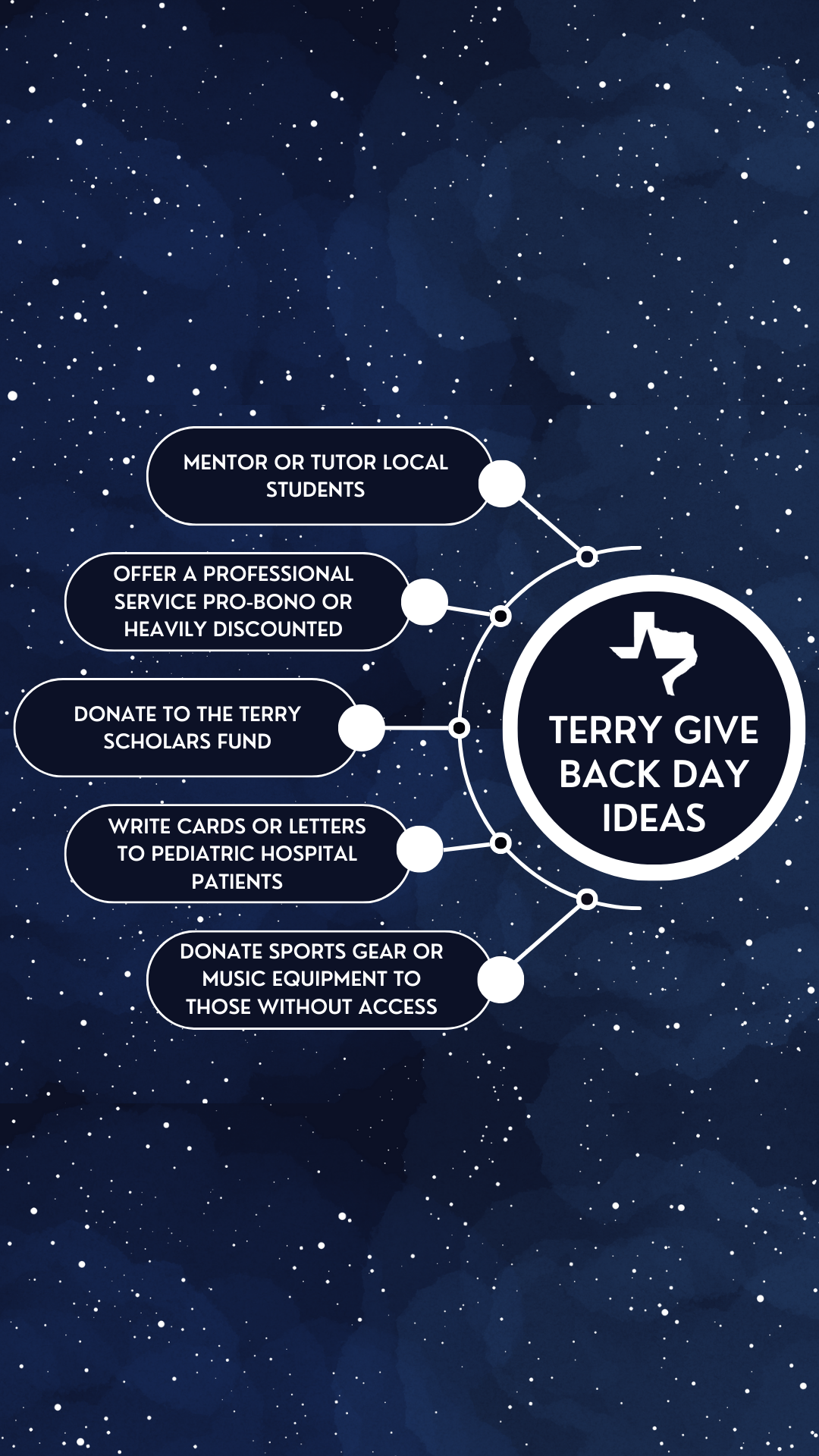
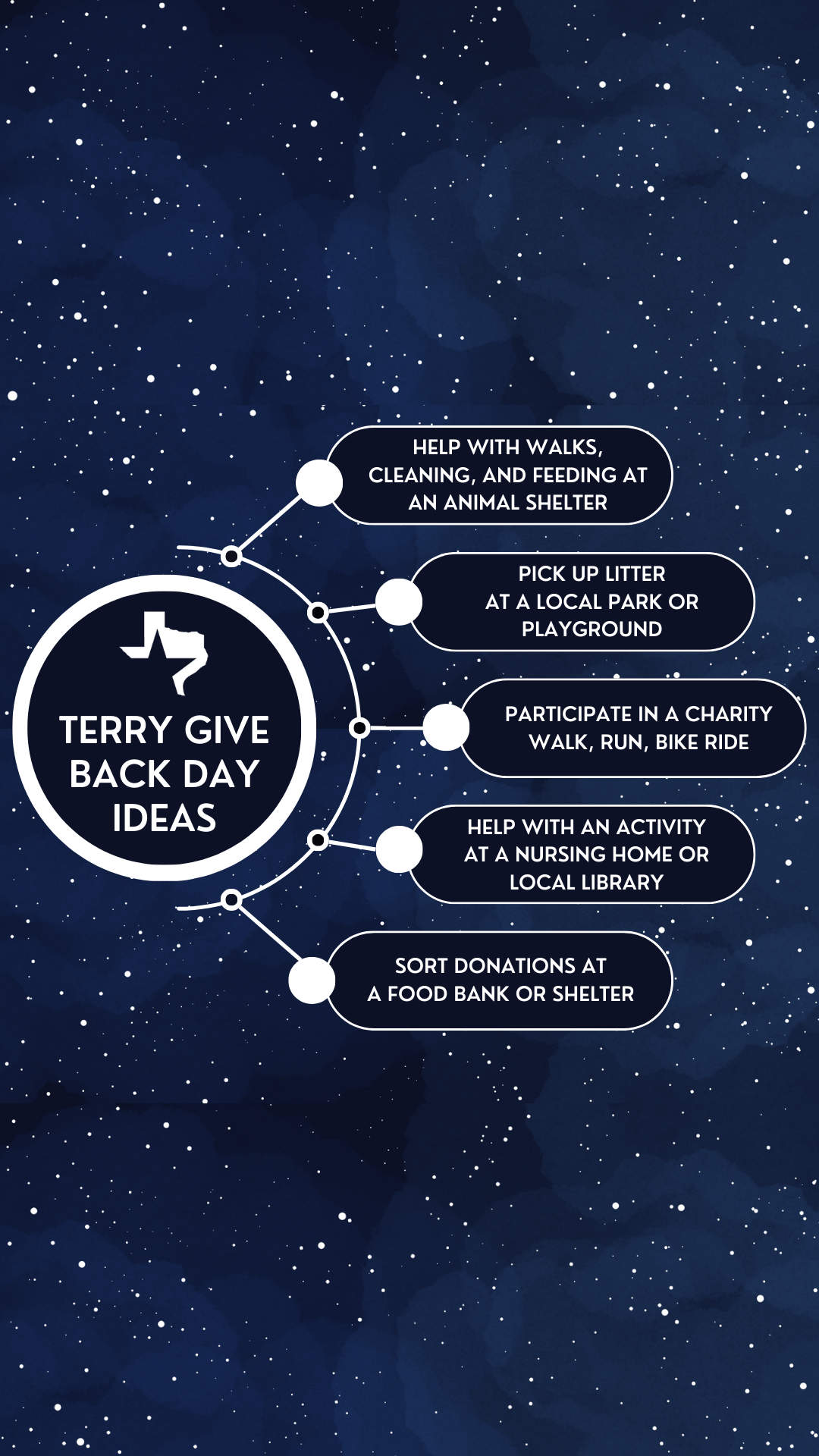
Participation Ideas Story 1 (1080 px by 1920px)
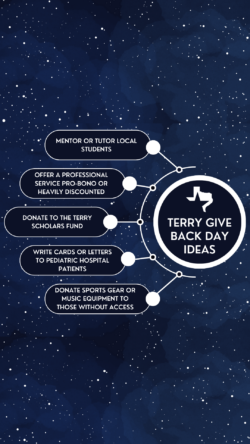
SAVE
Participation Ideas Story 2 (1080 px by 1920px)
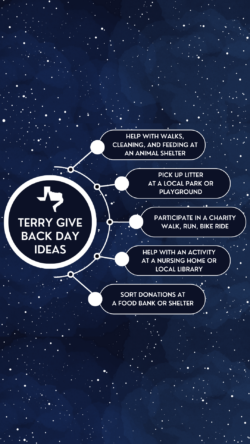
SAVE
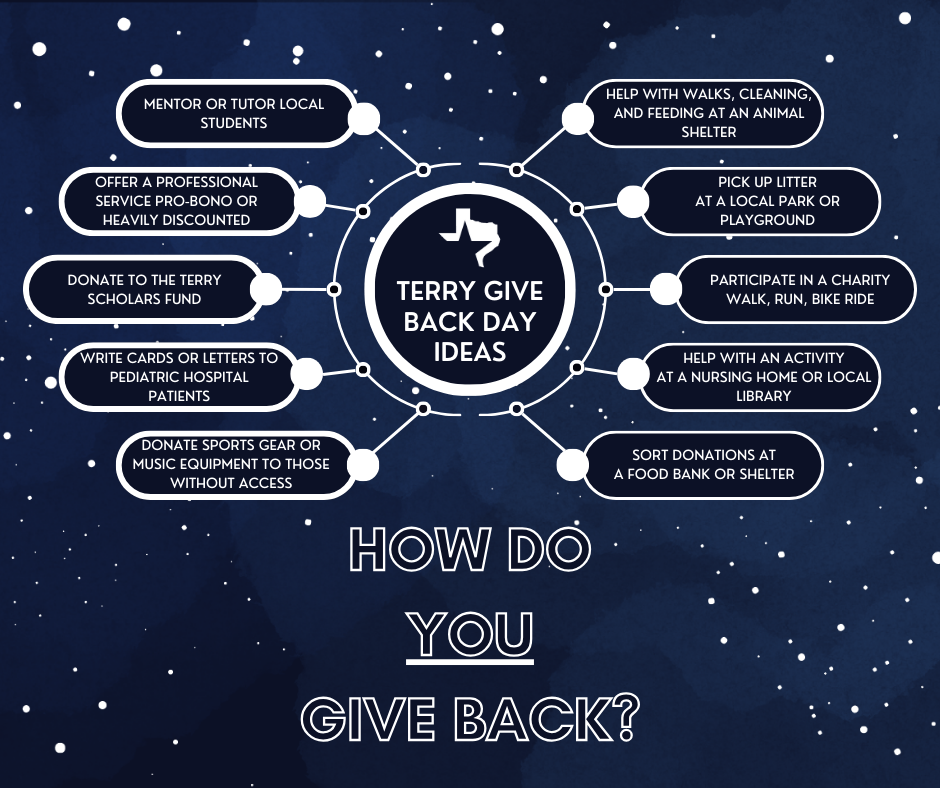
Participation Ideas Square (1080px by 1080 px)
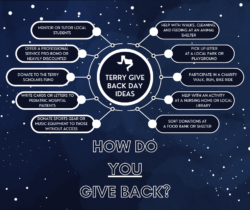
SAVE
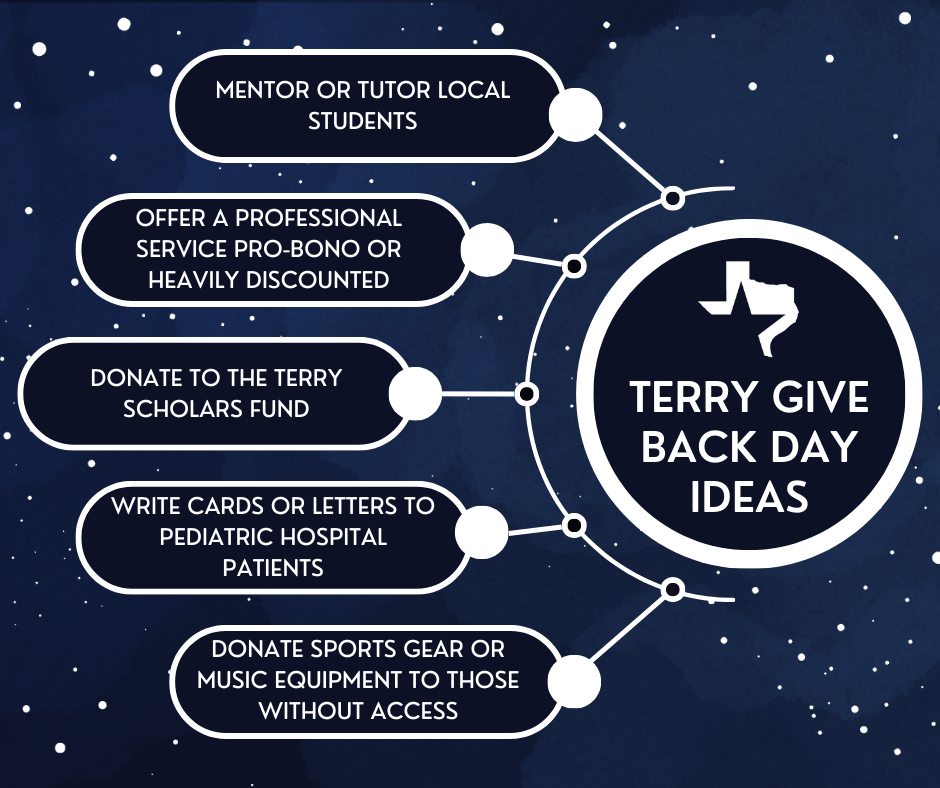
Participation Ideas Square 1 (1080px by 1080 px)
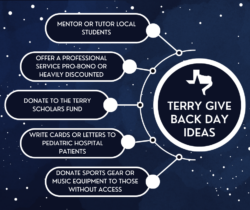
SAVE
Participation Ideas Square 2 (1080px by 1080 px)
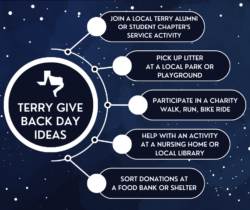
SAVE
Profile Banners
Share your Terry Pride with your professional network by using a LinkedIn Banner or a Facebook Banner!
Example


#TerryProud Photo Overlay
This photo overlay places a Terry Give Back Day sticker at the top and a translucent gradient #TerryProud banner at the bottom of your photo.
Just use your preferred photo editor to place the overlay (transparent .png file) on top of your favorite photo(s).
Example

Choose Overlay
Use the “Save” button to download graphics onto your device. On mobile, press directly on the graphic for the option to save to your device’s photo gallery.
Square Overlay – Blue (1080px by 1080 px)

SAVE
Photo Frames
These photo frames place Terry Give Back Day art at the bottom of your image or around the border. Square and rectangular formats are provided.
Just use your preferred photo editor to place the frame (transparent .png file) on top of your favorite photo(s).
Example

Choose Frames
Use the “Save” buttons to download graphics onto your device. On mobile, press directly on the graphic for the option to save to your device’s photo gallery.
Bottom Border – Square (1200px by 1200px)


SAVE
Bottom Border – Rectangle (1080px by 1350px)

SAVE
Give Back Day Frame – Square (1200px by 1200px)


SAVE
Give Back Day Frame – Rectangle (1080px by 1350px)

SAVE
Photo Frames in University Colors
These photo frames place Terry Give Back Day art with university-specific colors at the bottom of your image.
Just use your preferred photo editor to place the frame (transparent .png file) on top of your favorite photo(s).
Example

Choose Frames
Use the “Save” buttons to download graphics onto your device. On mobile, press directly on the graphic for the option to save to your device’s photo gallery.
TAMU – TAMUG Bottom Border – Square (1200px by 1200px)

SAVE
UT Bottom Border – Square (1200px by 1200px)

SAVE
TXST Bottom Border – Square (1200px by 1200px)

SAVE
UH Bottom Border – Square (1200px by 1200px)

SAVE
UNT Bottom Border – Square (1200px by 1200px)

SAVE
TTU Bottom Border – Square (1200px by 1200px)

SAVE
TWU Bottom Border – Square (1200px by 1200px)

SAVE
Logos in University Colors
These logos share the Give Back Day celebration with university-specific colors. You can use the logos on social media and apparel.
Example



Choose Logos
Use the “Save” buttons to download graphics onto your device. On mobile, press directly on the graphic for the option to save to your device’s photo gallery.
Terry Blue – Square (500px by 500px)

SAVE
Transparent – Square (500px by 500px)

SAVE
TAMU – TAMUG – Square (500px by 500px)

SAVE
UT-Austin – Square (500px by 500px)

SAVE
TXST Maroon – Square (500px by 500px)

SAVE
TXST Gold – Square (500px by 500px)

SAVE
UH – Square (500px by 500px)

SAVE
UTSA Orange – Square (500px by 500px)

SAVE
UTSA Blue – Square (500px by 500px)

SAVE
UTD Orange – Square (500px by 500px)

SAVE
UTD Green – Square (500px by 500px)

SAVE
UNT Green 1 – Square (500px by 500px)

SAVE
UNT Green 2 – Square (500px by 500px)

SAVE
TTU Red – Square (500px by 500px)

SAVE
TTU Black – Square (500px by 500px)

SAVE
TWU – Square (500px by 500px)

SAVE
UT-Arlington Orange- Square (500px by 500px)

SAVE
UT-Arlington Blue (500px by 500px)

SAVE
UT-El Paso Orange (500px by 500px)

SAVE
UT-El Paso Blue (500px by 500px)

SAVE
Profile Pic Frame
This round frame has been sized for use on Facebook or LinkedIn Profiles.
Just use your preferred photo editor to place the frame (transparent .png file) on top of your desired profile picture!
Example

Choose Frame
Use the “Save” buttons to download graphics onto your device. On mobile, press directly on the graphic for the option to save to your device’s photo gallery.